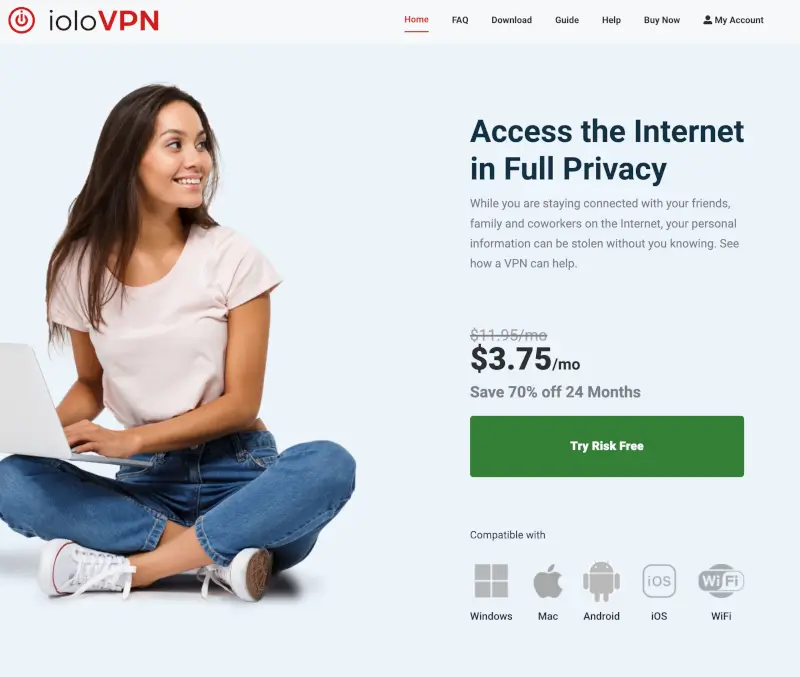
To log into your ioloVPN account, use the My Account link on the ioloVPN website.
Log in from the ioloVPN website
- Open a web browser (like Chrome, Edge, Safari, or Firefox).
- Go to https://iolovpn.com
- In the upper-right corner of the main navigation, click My Account.
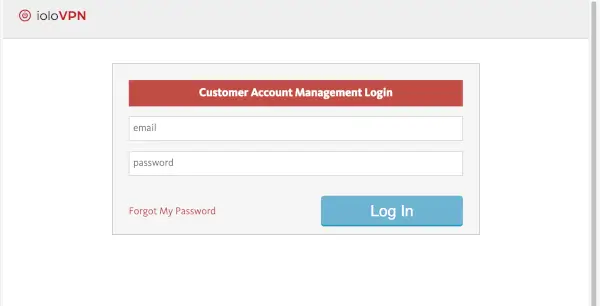
- On the sign-in page, enter:
- The email address you used when you purchased ioloVPN (or when you created your account)
- Your account password
- Click Sign in / Log in to access your account.
What can I do in my ioloVPN account?
After signing in to your ioloVPN account through My Account, you can manage important parts of your service, including:
- View your subscription details
Check your current plan, renewal date, and subscription status. - Manage billing and payments
Update payment methods, review past charges, and manage auto-renewal settings. - Cancel your ioloVPN subscription
Turn off auto-renewal or cancel your ioloVPN subscription directly from your account. - Change your account email address
Update the email used for account notifications and login access. - Reset or change your password
Update your password at any time for security. - Download ioloVPN software
Access downloads for supported devices if needed. - Manage connected devices
View or remove devices associated with your ioloVPN account (depending on your plan). - Access support and help resources
Find troubleshooting help or contact iolo Support directly.
Looking for your iolo account instead?
Your ioloVPN account is separate from your main iolo account, which is used to manage other iolo products like System Mechanic and related subscriptions.
If you’re trying to sign in to your iolo account (not ioloVPN), visit the page below for step-by-step login help:
This helps ensure you’re signing in to the correct account based on the product you’re using.
If you can’t log in
- Forgot your password? Use the Forgot Password option on the login page to reset it by email.
- Wrong email? Make sure you’re using the same email address used at checkout/registration (try any alternate email addresses you may have used).
- Just purchased? Wait a few minutes and try again, since accounts can take a short time to sync after a new purchase.
- Page won’t load or buttons don’t work? Try these quick fixes:
- Refresh the page, or open the site in a private/incognito window
- Disable ad/script blockers for the site
- Clear your browser cache/cookies, then try again
- Try a different browser or device
Optional: access account management from inside the ioloVPN app
If you’re already signed into the ioloVPN app, you can often reach account-related options there:
- Open ioloVPN
- Open the menu (upper-right)
- Choose Account → Account Management
Looking for a better deal?
💰 Save big with the System Mechanic Ultimate Defense + VPN Bundle and get powerful device protection plus ioloVPN in one package.
👉 Save 56% when you bundle